
NAV ALTI DISCREPANCY
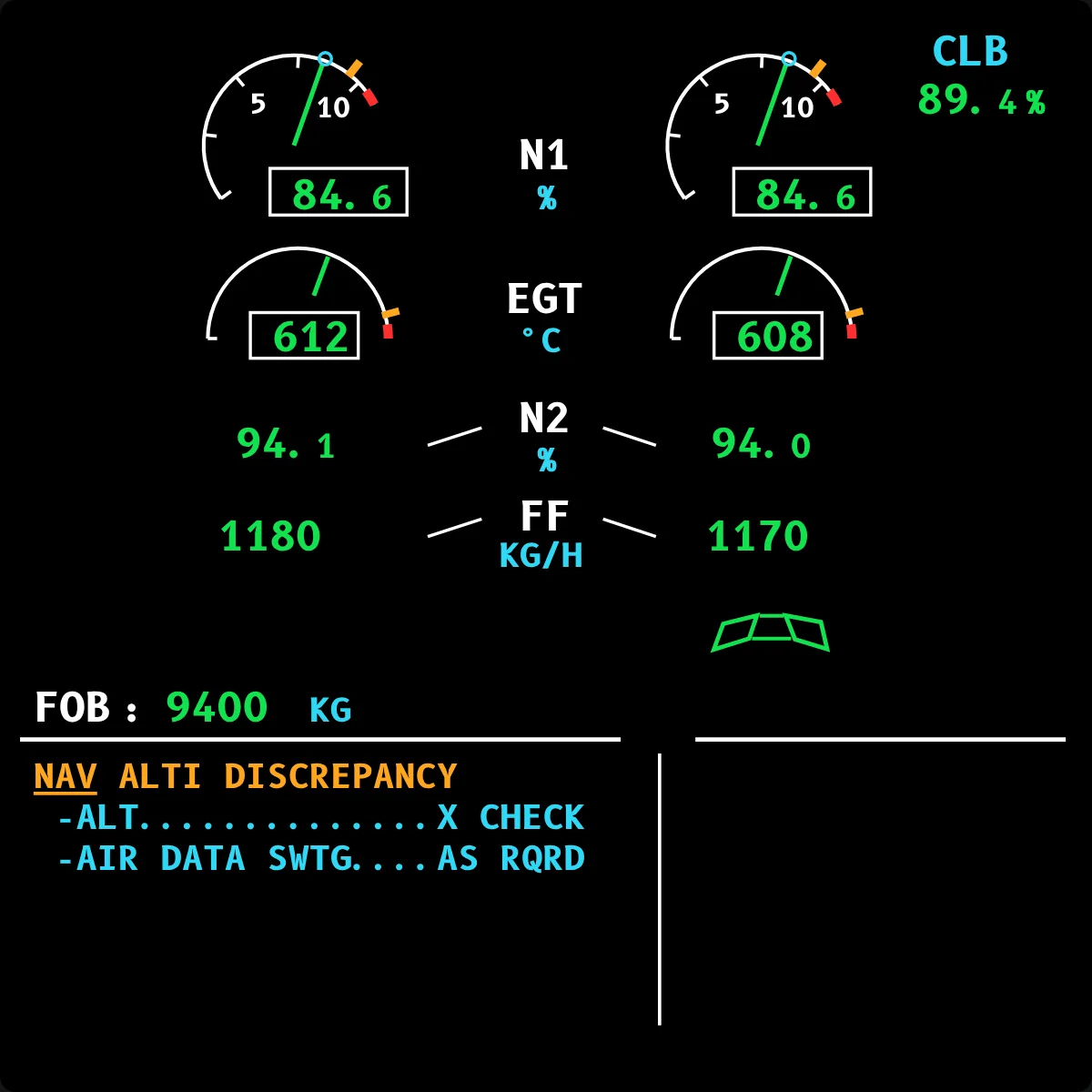
An amber caution for two PFDs that no longer agree on the altitude. Here is what is compared and at what threshold, how the baro reference changes it, what the two lines on the E/WD do and why a discrepancy matters, with the live aircraft at the moment the caution comes on.
Written and checked by current A320 pilotschecked against the FCOM on Our editorial policy
What NAV ALTI DISCREPANCY means
NAV ALTI DISCREPANCY is an amber caution: the altitudes displayed on the captain's and first officer's PFDs differ by more than 500 ft with the STD reference, or 250 ft with QNH or QFE. Both PFDs show CHECK ALT.
The first line crosschecks the altitude with the standby altimeter. The second, AIR DATA SWTG as required, selects ADR 3 to the faulty side. The FCOM prints no STATUS for it.
Sources FCOM PRO-ABN-NAV NAV ALTI DISCREPANCY / FCOM DSC-31-05-60 SIDE1/SIDE2 DISCREPANCY MESSAGES / FCOM PRO-ABN-NAV NAV / FCOM DSC-34-NAV-10-20 PEDESTAL
At a glance
- Level
- Amber caution, level 2: single chime and MASTER CAUT steady amber
- Sets it off
- The captain's and first officer's PFD altitudes differ by more than 500 ft on STD, or 250 ft on QNH or QFE
- On the PFDs
- CHECK ALT in amber on both PFDs
- Procedure
- ALT X CHECK with the standby altimeter, then AIR DATA SWTG as required: ADR 3 to the faulty side
- STATUS
- None printed: the FCOM gives this caution no STATUS
Sources FCOM DSC-31-10 WARNING/CAUTION CLASSIFICATION / FCOM DSC-31-30 ATTENTION GETTERS / FCOM PRO-ABN-NAV NAV ALTI DISCREPANCY / FCOM DSC-31-05-60 SIDE1/SIDE2 DISCREPANCY MESSAGES / FCOM DSC-31-40 FLAGS AND MESSAGES DISPLAYED ON PFD / FCOM PRO-ABN-NAV NAV
What does the caution compare?
The caution triggers when the difference between the altitude displayed on the captain's PFD and the first officer's PFD is greater than 500 ft with the STD baro reference selected, or 250 ft with QNH or QFE selected. The FCOM gives no reason for the two thresholds.
The display chapter gives the same figures for the CHECK ALT message: both PFDs show it when the altitudes differ by more than 250 ft with a QNH different from STD selected, or 500 ft with STD, along with a caution on the E/WD.
Each PFD's altitude is barometric altitude from an ADR. In NORM, ADIRU 1 supplies PFD 1 and ADIRU 2 supplies PFD 2; ADIRU 1 takes the captain's probes and ADIRU 2 the first officer's. The standby altimeter is on the standby static line, from the standby probes that also supply ADIRU 3.
For NAV ALTI DISCREPANCY, the FCOM's flight phase chart inhibits the caution from takeoff power to liftoff and from touchdown to 80 kt.
Sources FCOM PRO-ABN-NAV NAV ALTI DISCREPANCY / FCOM DSC-31-05-60 SIDE1/SIDE2 DISCREPANCY MESSAGES / FCOM DSC-34-NAV-10-10 GENERAL / FCOM DSC-34-NAV-10-20 PEDESTAL / FCOM DSC-34-NAV-10-10 PROBES SCHEMATIC
Two altitudes, one comparison
What does the crew see and hear?
A level 2 caution: a single chime, the MASTER CAUT light steady amber and the caution in amber on the E/WD, with two blue lines.
On the PFDs, the CHECK ALT flag in amber, on both. The FCOM associates the ADIRS panel's ADR FAULT lights with NAV ADR 1(2)(3) FAULT; this caution's page names no light.
Sources FCOM DSC-31-10 WARNING/CAUTION CLASSIFICATION / FCOM DSC-31-30 ATTENTION GETTERS / FCOM PRO-ABN-NAV NAV / FCOM DSC-31-05-60 SIDE1/SIDE2 DISCREPANCY MESSAGES / FCOM DSC-31-40 FLAGS AND MESSAGES DISPLAYED ON PFD / FCOM DSC-34-NAV-10-20 OVERHEAD PANEL / FCOM PRO-ABN-NAV NAV ALTI DISCREPANCY
The moment the caution comes on
A healthy aircraft in the cruise at FL350, every selector on the pedestal's SWITCHING panel at NORM. Press the button to put one ADR's altitude in error, then read the E/WD.
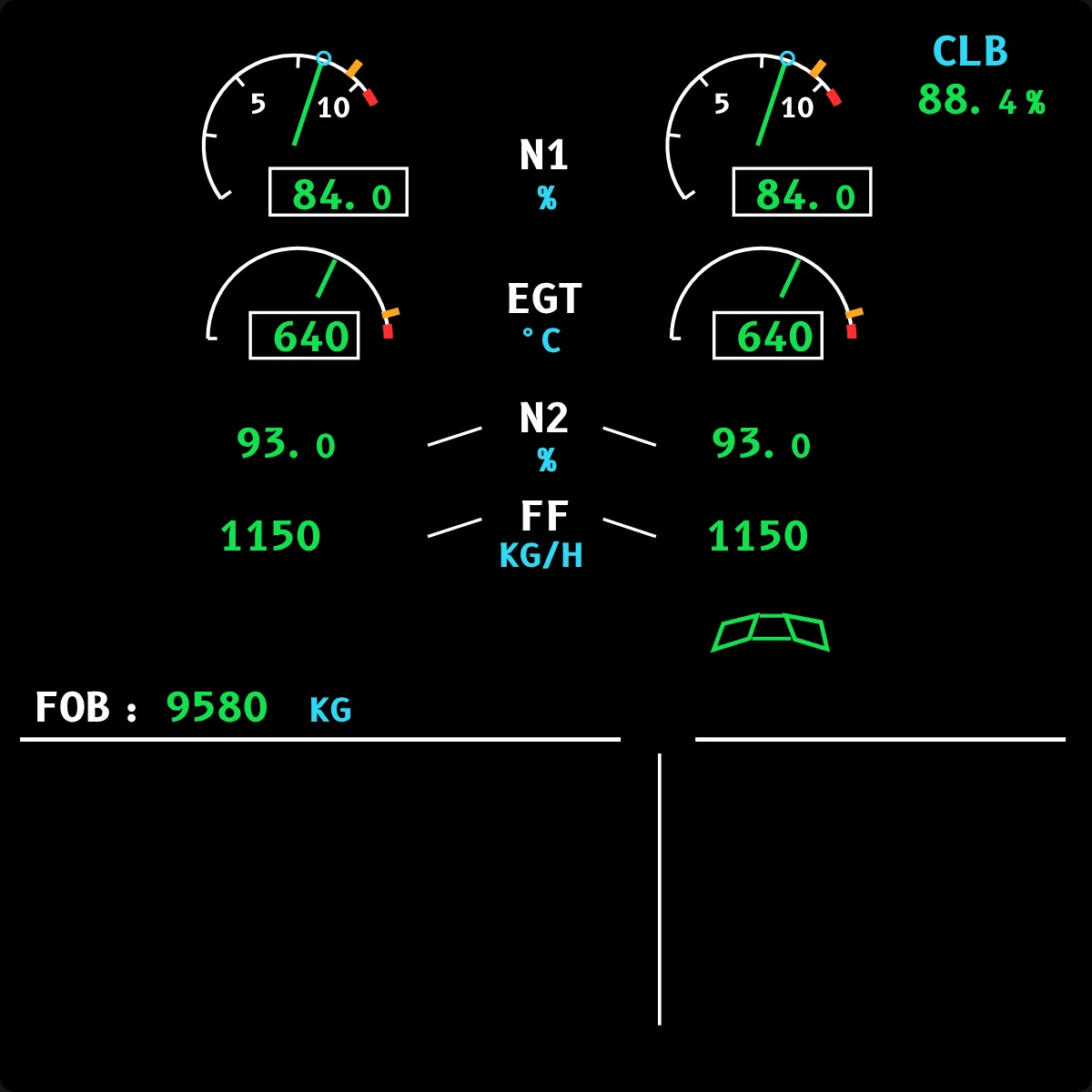

The alert Put one altitude in error
NAV ALTI DISCREPANCY in amber, then two blue lines: ALT X CHECK and AIR DATA SWTG AS RQRD. The AIR DATA selector below is still at NORM, and nothing on the panel shows which side is wrong.
No PFD is drawn here: on the aircraft both show CHECK ALT. Working the lines is what the ECAM Trainer does with you.
Sources FCOM PRO-ABN-NAV NAV ALTI DISCREPANCY / FCOM PRO-ABN-NAV NAV / FCOM DSC-34-NAV-10-20 PEDESTAL / FCOM DSC-31-05-60 SIDE1/SIDE2 DISCREPANCY MESSAGES
What do the baro references change?
The baro reference selector lets the pilot use the standard reference (STD), the sea level pressure (QNH) or, as an option, the pressure at airfield elevation (QFE). The setting is the reference for the PFD altimeter and the PFD target altitude, and shows in the EFIS control panel window and under the PFD's altitude scale.
The control is an inner knob, turned for the QNH value, pulled for STD and pushed for QNH, and an outer selector for hPa or inHg; the PFDs do not show the unit. At the EFIS control panel's power-up the reference is QNH, set to 1 013 hPa or 29.92 inHg, depending on the unit selected.
The PFD's baro reference pulses when the selection is not correct: STD not selected above the transition altitude in the climb, or STD still selected below the transition level in the approach.
The threshold follows the reference: 500 ft on STD, 250 ft on QNH or QFE. Two sides on different references have a caution of their own, NAV BARO REF DISCREPANCY, whose line crosschecks the selections, captain against first officer.
Sources FCOM DSC-22_20-60-10 GENERAL / FCOM DSC-31-50 INDICATING/RECORDING SYSTEMS / FCOM DSC-31-50 / FCOM DSC-31-40 ALTITUDE / FCOM PRO-ABN-NAV NAV ALTI DISCREPANCY / FCOM PRO-ABN-NAV NAV BARO REF DISCREPANCY / FCOM PRO-ABN-NAV NAV
What do the two lines do?
ALT X CHECK: crosscheck with the standby altimeter. AIR DATA SWTG AS RQRD: select ADR 3 to the faulty side. The comment names no side.
The standby altimeter is part of the ISIS: a white moving scale with a green readout, and its own barometric reference in cyan, STD or a pressure, set with its own knob. Pressing that knob selects STD.
On the pedestal's SWITCHING panel, AIR DATA at CAPT 3 has ADR 3 replace ADR 1; at F/O 3, ADR 3 replaces ADR 2. ADIRU 3 takes its air data from the standby probes and the captain's TAT probe.
No ADR is switched off: the procedure has no ADR pushbutton line, unlike NAV ADR 1 FAULT, where a failed ADR lights its FAULT light and goes off with its pushbutton.
Sources FCOM PRO-ABN-NAV NAV / FCOM DSC-34-NAV-20 ALTIMETER / FCOM DSC-34-NAV-10-20 PEDESTAL / FCOM DSC-34-NAV-10-10 PROBES SCHEMATIC / FCOM DSC-34-NAV-10-20 OVERHEAD PANEL
A discrepancy, or a failed ADR
A healthy aircraft again, with the ADIRS panel below. Fail ADR 1 and compare what the panel and the E/WD say with the discrepancy above.
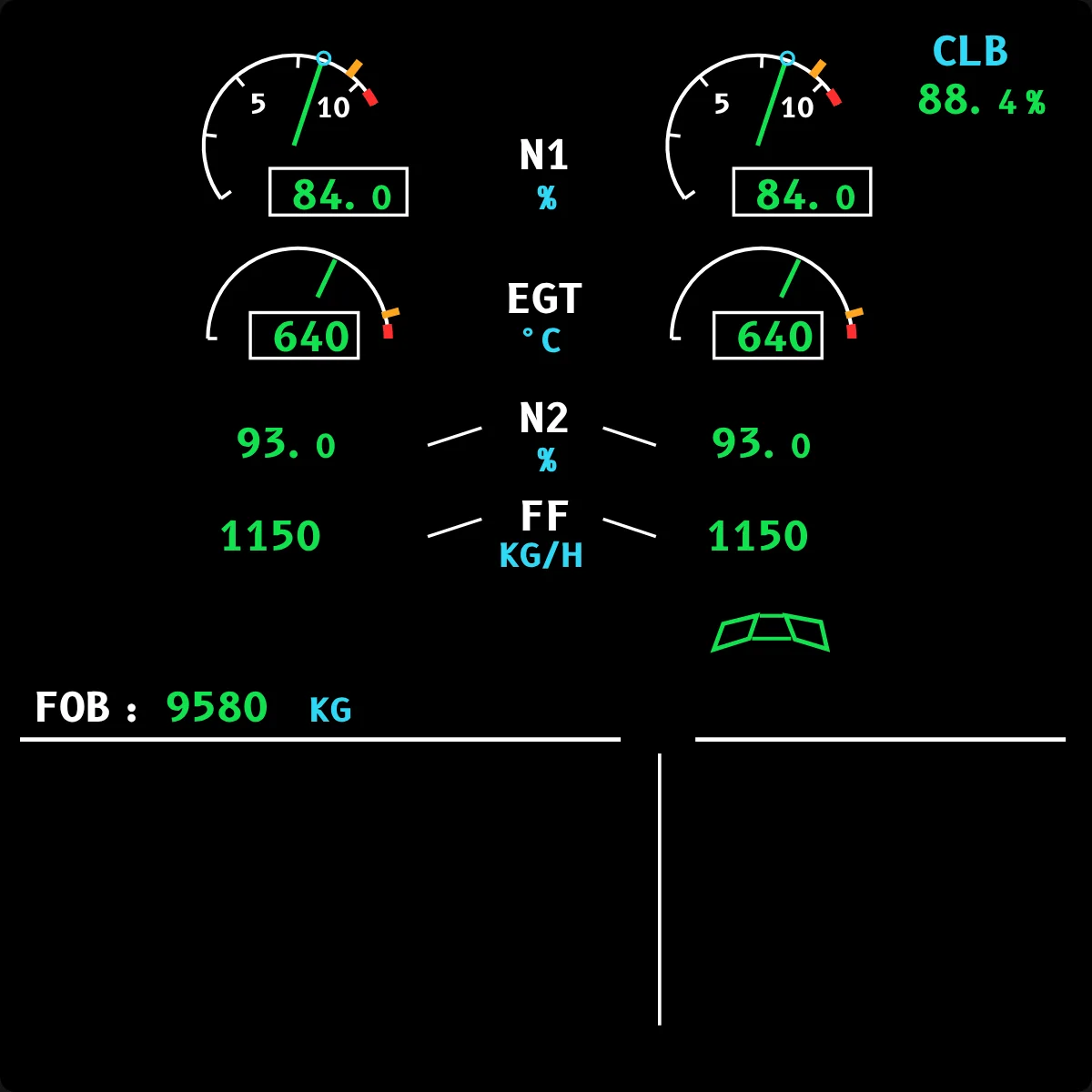

The alert Fail ADR 1
This time the failure shows on the panel: FAULT lights amber in ADR 1, and the E/WD names the side, AIR DATA SWTG to CAPT 3, then ADR 1 P/B OFF.
The FCTM gives the other case: there may be an altitude output that is erroneous while the ADRs do not detect it, with no ECAM alert and cockpit indications that may appear normal.
Sources FCOM DSC-34-NAV-10-20 OVERHEAD PANEL / FCOM PRO-ABN-NAV NAV ADR 1(2)(3) FAULT / FCOM PRO-ABN-NAV NAV / FCTM PR-AEP-NAV UNRELIABLE AIRSPEED INDICATIONS
Why does a discrepancy matter, and what may follow?
The FCTM says the ADRs detect most failures affecting the airspeed or altitude indications, but an erroneous output may go undetected. The most probable reason is an obstruction of the pitot or static probes, and as the probes are highly unlikely to be obstructed alike, the first effect of erroneous data will most probably be a discrepancy between the captain's PFD, the first officer's PFD and the standby instruments.
If the barometric altitude is unreliable, the FCTM says the flight path vector and the vertical speed are affected, the autopilot may not hold level flight accurately, and the transponder may transmit an incorrect altitude; the crew should advise ATC without delay.
Where the crew suspects erroneous speed or altitude, the FCTM points to the QRH's UNRELIABLE SPEED INDICATION procedure, whose two objectives are to fly the aircraft and to identify and isolate the affected ADRs.
Sources FCTM PR-AEP-NAV UNRELIABLE AIRSPEED INDICATIONS / FCTM PR-AEP-NAV
What is lost afterwards?
STATUS is the aircraft's operational summary of limitations and inoperative systems. The FCOM prints none for this caution: its page has the annunciation and the two lines only, and the ECAM Trainer draws no STATUS for it either.
Sources FCOM DSC-31-20 STATUS PAGE / FCOM PRO-ABN-NAV NAV ALTI DISCREPANCY / FCOM PRO-ABN-NAV NAV
A319ceo, A320ceo, A320neo, A321neo: what differs?
| A319ceo, A320ceo | A320neo, A321neo | |
|---|---|---|
| The caution and its thresholds | The same in both versions: 500 ft on STD, 250 ft on QNH or QFE | The same in both versions: 500 ft on STD, 250 ft on QNH or QFE |
| Flight phase inhibition | Not given by type: from takeoff power to liftoff and from touchdown to 80 kt in one version; from 80 kt to 1 500 ft and from touchdown to 80 kt in the other | Not given by type: from takeoff power to liftoff and from touchdown to 80 kt in one version; from 80 kt to 1 500 ft and from touchdown to 80 kt in the other |
| The caution's title | Not given by type: NAV ALTI DISCREPANCY in one version, NAV ALT DISCREPANCY with the CHEK ALT comment in another | Not given by type: NAV ALTI DISCREPANCY in one version, NAV ALT DISCREPANCY with the CHEK ALT comment in another |
| Highest QNH that can be set | Not given by type: 1 100 hPa on some aircraft, 1 050 hPa on others | Not given by type: 1 100 hPa on some aircraft, 1 050 hPa on others |
Sources FCOM PRO-ABN-NAV NAV ALT DISCREPANCY / FCOM PRO-ABN-NAV NAV ALTI DISCREPANCY / FCOM PRO-ABN-NAV NAV / FCOM DSC-31-50

Work NAV ALTI DISCREPANCY as a crew
Read and do each line against the FCOM, with the E/WD, the SD page and the overhead following your hands, the PF and PM calls, and a debrief that says what you missed.
Work this failure in the ECAM TrainerGo further
Written in our own words from the FCOM and the FCTM; each part names the units it rests on. The E/WD, the STATUS and the live aircraft are the platform's own ECAM and systems model, the same the ECAM Trainer and the flight deck run. This page explains the procedure; it is not the procedure. Aircraft differ by type, engine and options: your aircraft's FCOM, your QRH and your operator's procedures always come first. How we write and check these pages.
Every ECAM procedure, line by line, against the FCOM.
The ECAM Trainer works 108 scenarios with the E/WD, the SD page and the overhead following your hands. Start free today, or open everything with A320 Knowledge+.
For study and revision only. Always follow your operator's approved documentation and procedures. A320 Knowledge is independent and not affiliated with Airbus.
Related
- NAV ADR 1+2+3 FAULTA red warning for the loss of all three air data references: the speed, the barometric altitude and the angle of attack the ADRs supply are gone.
- NAV ADR 1+2 FAULTAn amber caution for the loss of two of the three air data references.
- NAV ADR 1 FAULTAn amber caution for the air data half of the captain's ADIRU.
- NAV IR 1+2 FAULTAn amber caution for the loss of two of the three inertial references.
- A320 navigation and surveillanceThe system guide, with the live aircraft
- Every ECAM procedureThe alerts the ECAM Trainer works, grouped by system